info@vezeti.net 0201 888 1000 Customer Care: 8080

VezetiPhone Support

Setup help, permissions, and troubleshooting for the VezetiPhone iOS app.

VezetiPhone is a SIP softphone that connects to your organization's Vezeti-hosted PBX extension, letting you make and receive business calls from your iPhone or iPad. New to the app? See the VezetiPhone overview.

Getting Started

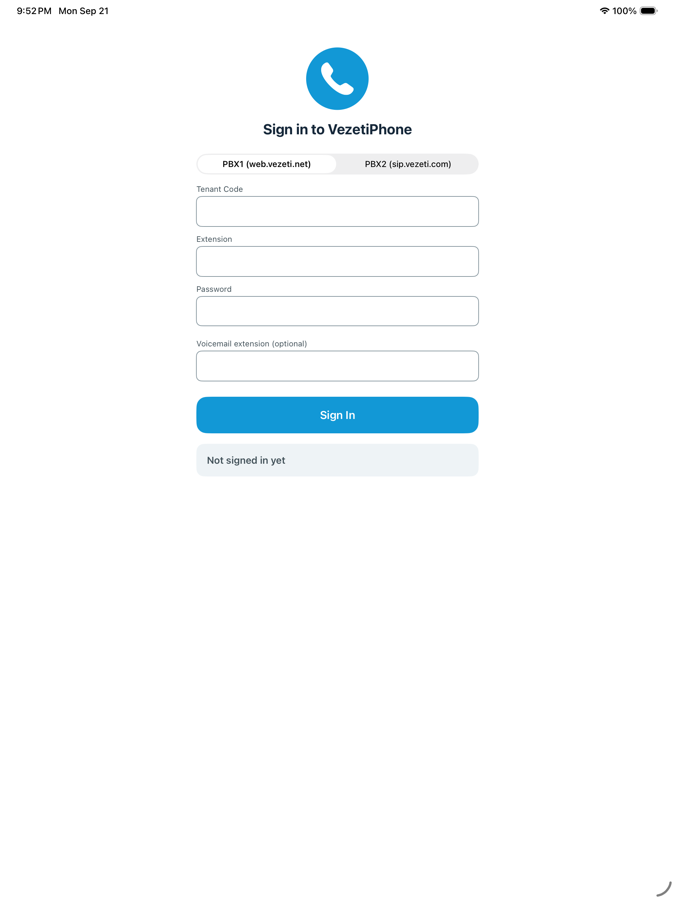
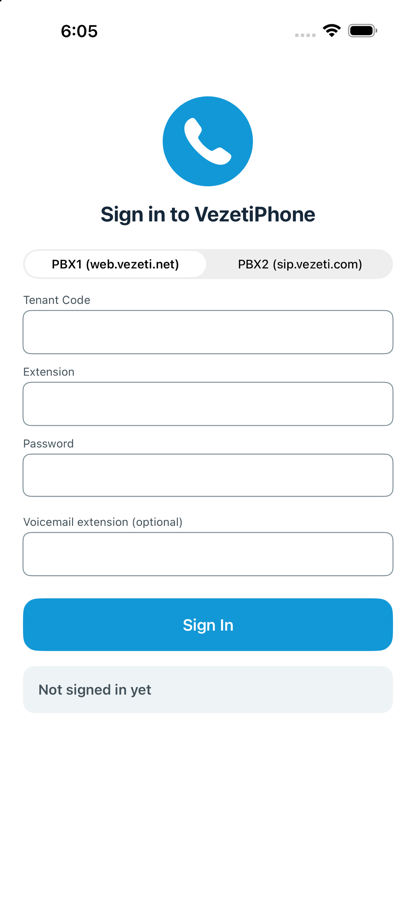
To sign in, you'll need an active extension already provisioned on one of Vezeti's PBX platforms:

  • PBX1 — sign in with your Tenant Code, Extension, and Password
  • PBX2 — sign in with your Username and Password

Don't have these details? Contact your organization's administrator, or reach out to us at sales@vezeti.com.

Permissions VezetiPhone Needs

  • Microphone — required to make and receive calls
  • Contacts — optional, lets your device contacts show up alongside PBX extensions so you can call them directly. Contacts never leave your device.
  • Notifications — required to receive incoming calls when the app isn't open

Troubleshooting

Double-check your Tenant Code, Extension/Username, and Password. If they're correct, confirm your extension is active with your administrator — sign-in performs a real registration against the PBX, so it will fail if the extension itself isn't set up or is disabled.
Make sure Speaker/Mute aren't toggled the wrong way in the in-call screen, and that VezetiPhone has Microphone access under Settings → Privacy & Security → Microphone. If audio still doesn't work on a specific call, try again on Wi-Fi vs. cellular — some networks restrict the ports SIP calls use.
Check Settings → Notifications → VezetiPhone is allowed, and that the app hasn't been force-quit (swiped away) recently — incoming calls rely on the system waking the app in the background.
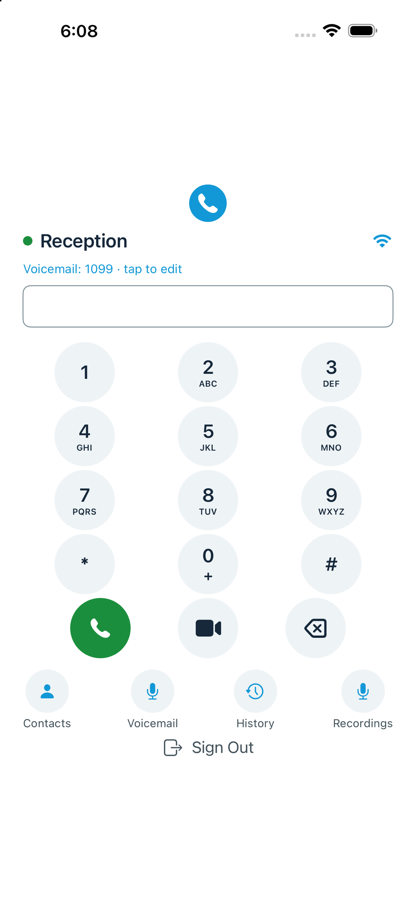
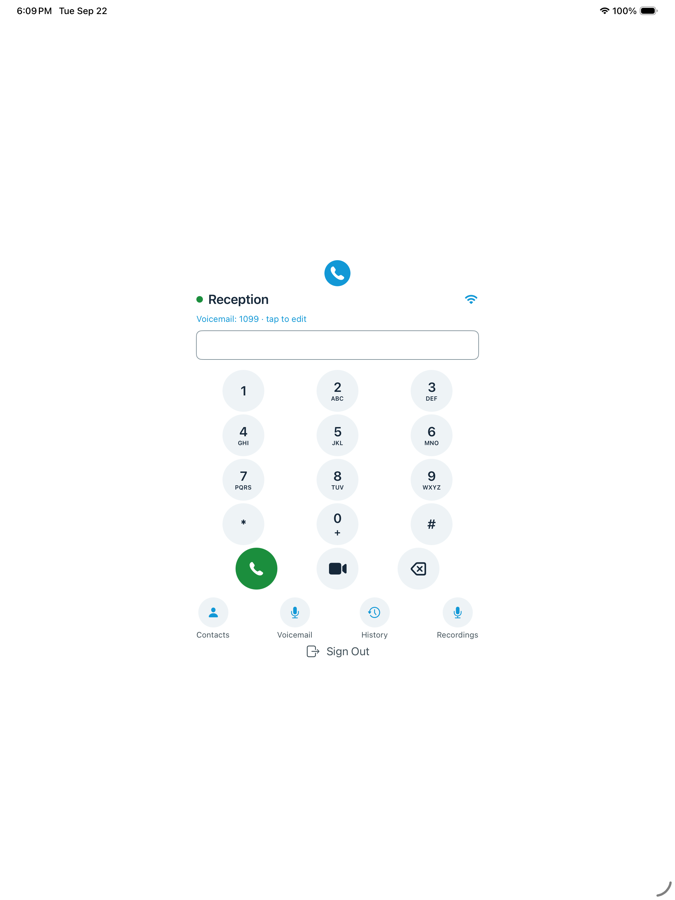
Recordings made with the in-call Record button are saved locally on your device and available under Recordings on the home screen. They are not uploaded anywhere.
Tap the voicemail line on the home screen to set or edit your voicemail extension. Tap the Voicemail icon to dial it directly.

Contact Us

Still stuck? Email us at ios.apps@vezeti.net and we'll get back to you.
Or call 0201 888 8080.